A tour, step by step
What running a course looks like, from sign-in to the gradebook. The screenshots are of the real portal with an example course; every name in them is fictional.
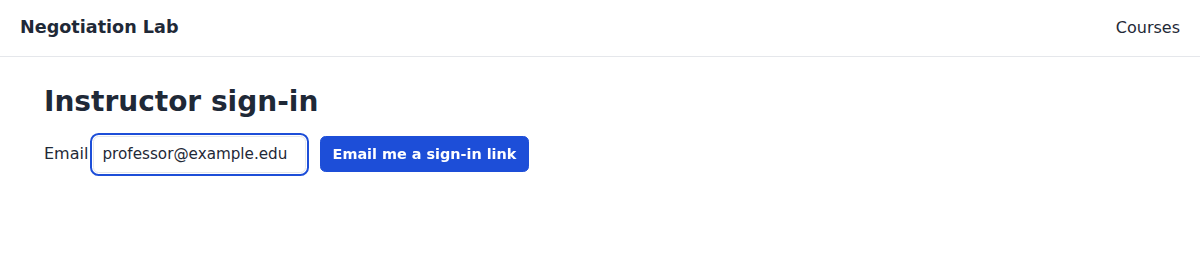
1. Sign in with your email
No password. You get an email with a sign-in link and a 6-digit code; either one works. Accounts are set up for you by Negotiation Lab.
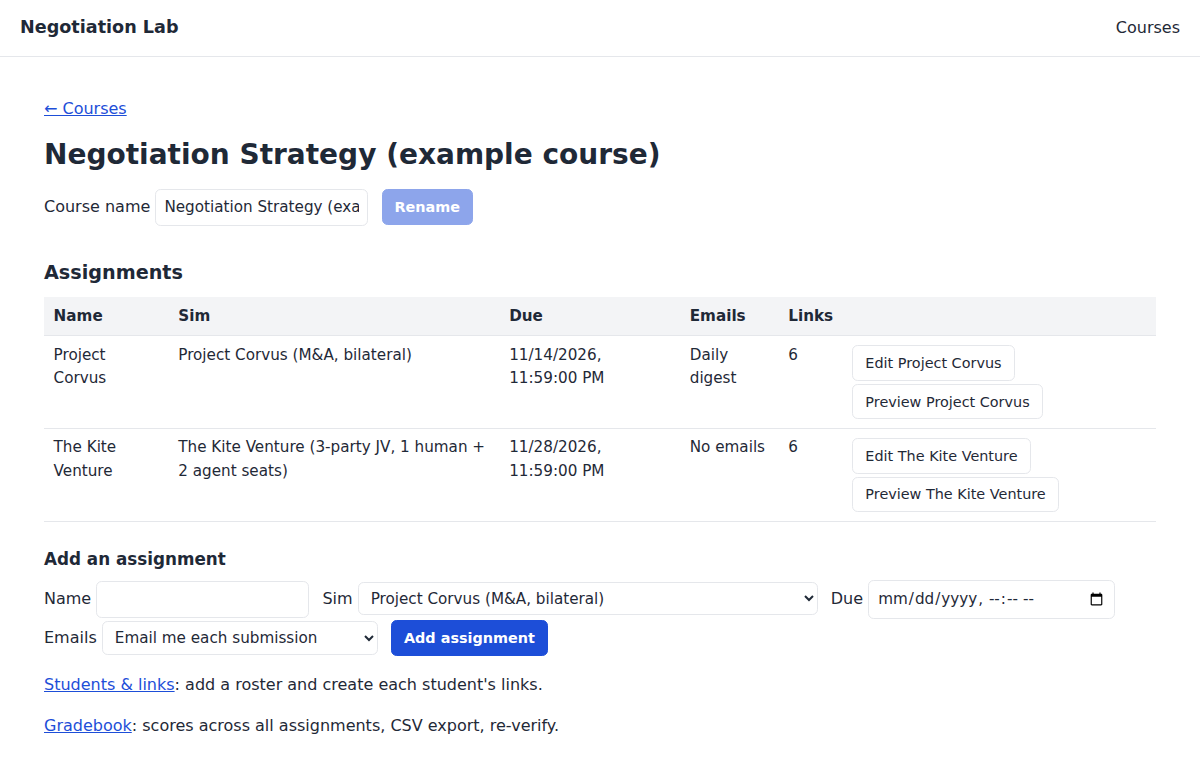
2. Set up your course
Create a course and add assignments: pick the simulation, set the due date, and choose how you want to hear about submissions (each one, a daily digest, both, or none). "Preview" opens any assignment exactly as a student will see it.
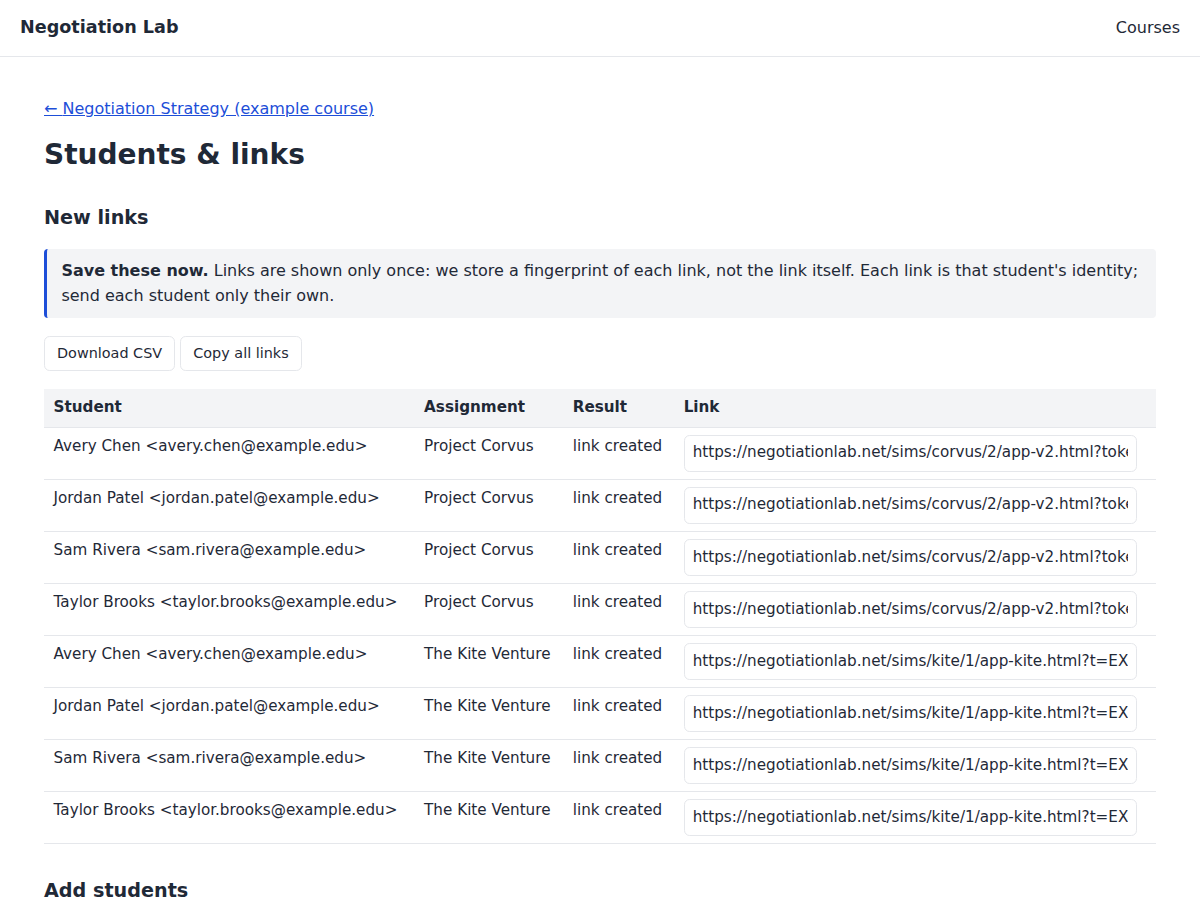
3. Add your roster and get links
Paste your class list or upload a CSV. Every student gets a personal link for each assignment. Download them as a CSV or copy them all, then send each student their own. The links are shown once: we keep only a fingerprint of each.
4. Students play
The link opens the simulation in the browser: no account, no install. When a student submits, the negotiation is replayed and verified on our server before the score is accepted.
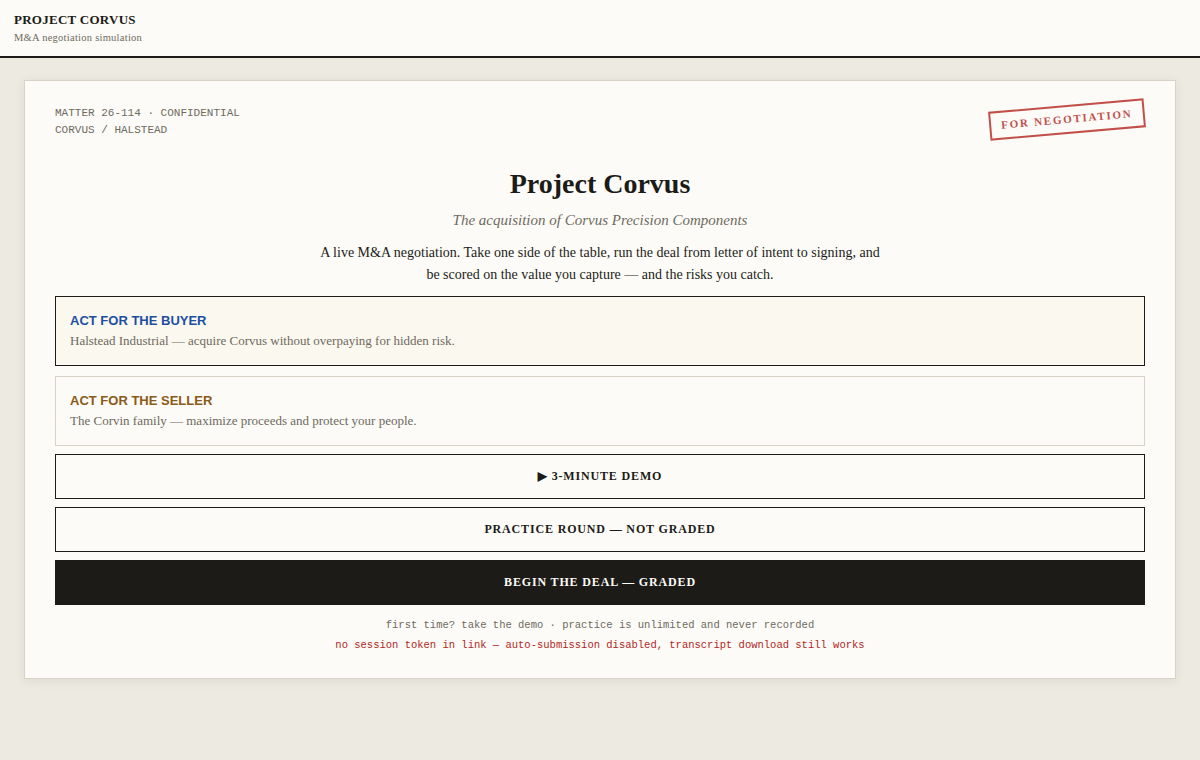
Try it yourself: play the demo.
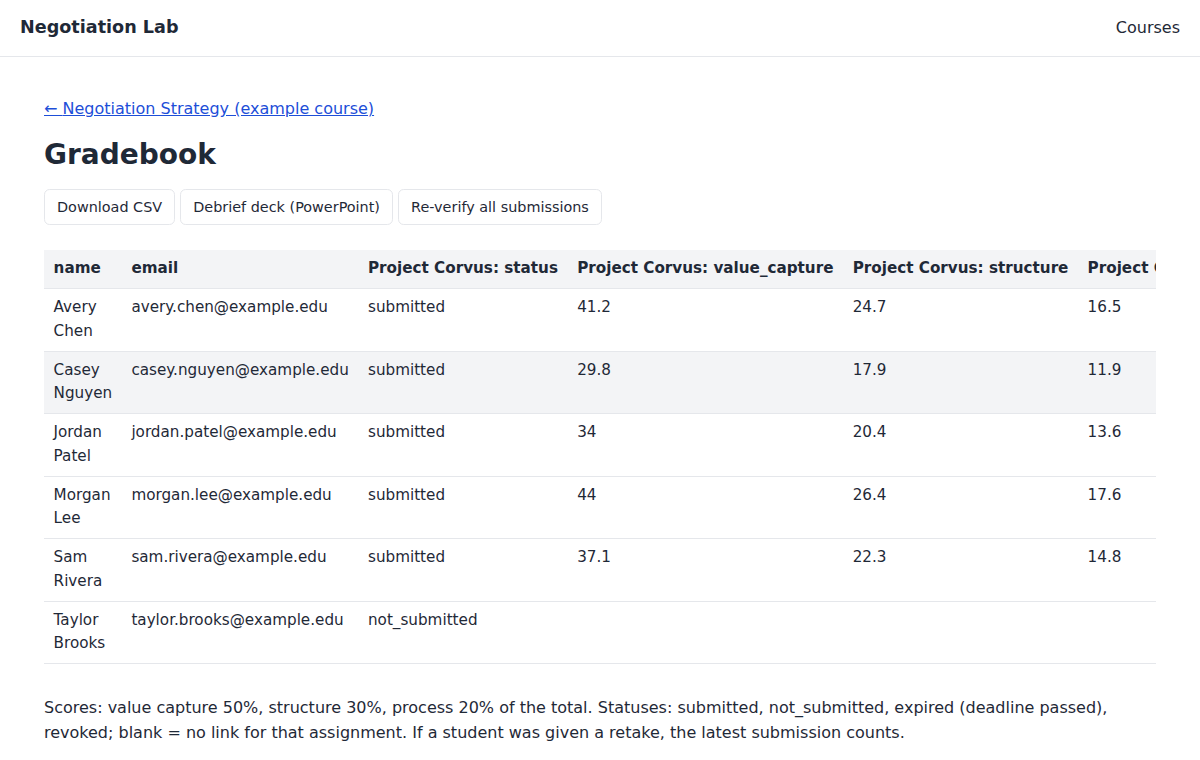
5. Grade and debrief
The gradebook fills in as students finish: value capture, structure and process for every assignment. Export it as a CSV, re-verify every submission in your browser, or download a debrief slide deck with class-level results.
Get the faculty guide
A short PDF: setting up a course, what students see, how scores are verified, deadlines and retakes.